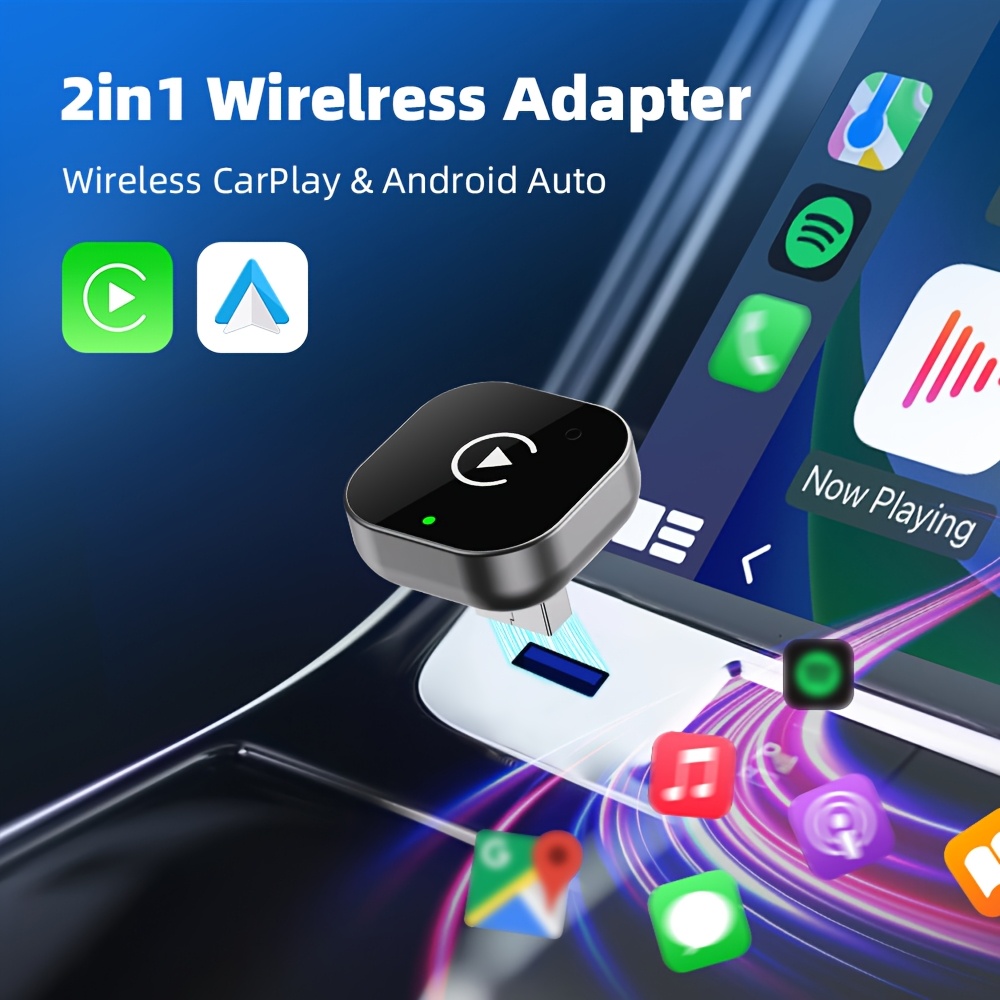
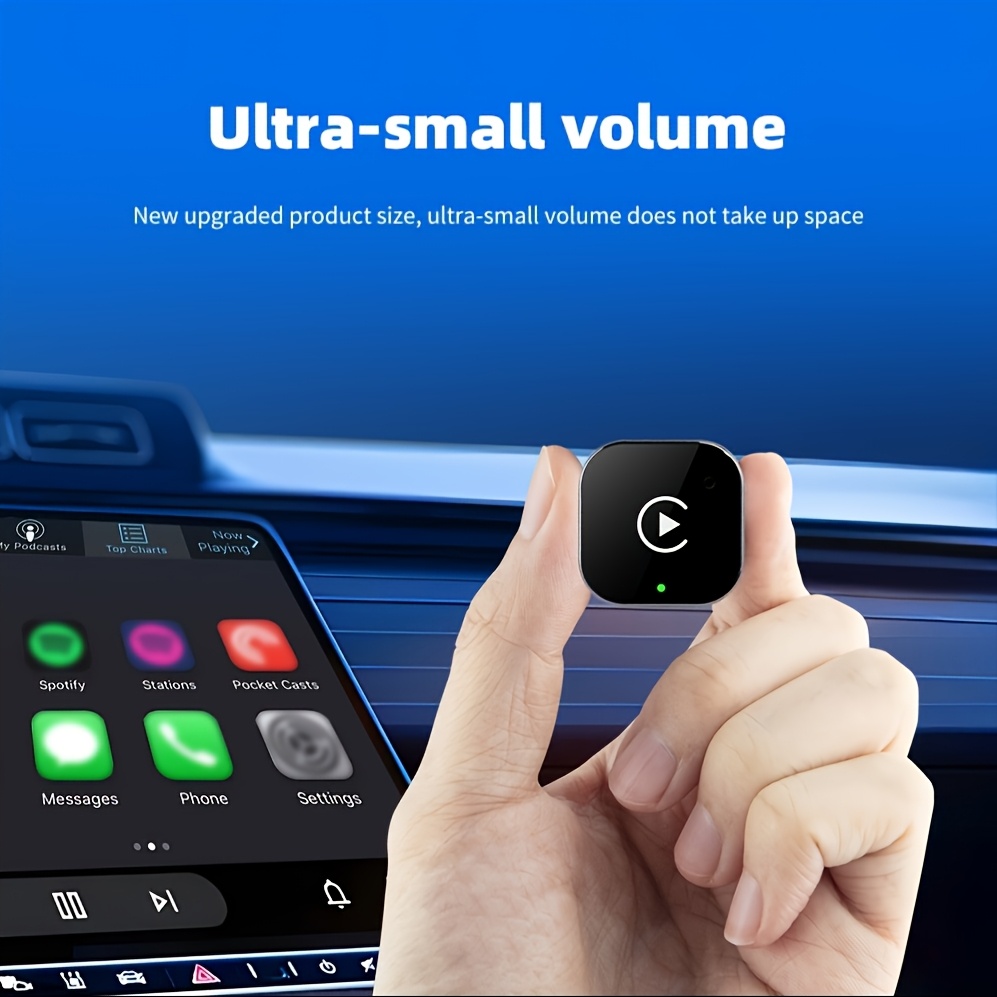
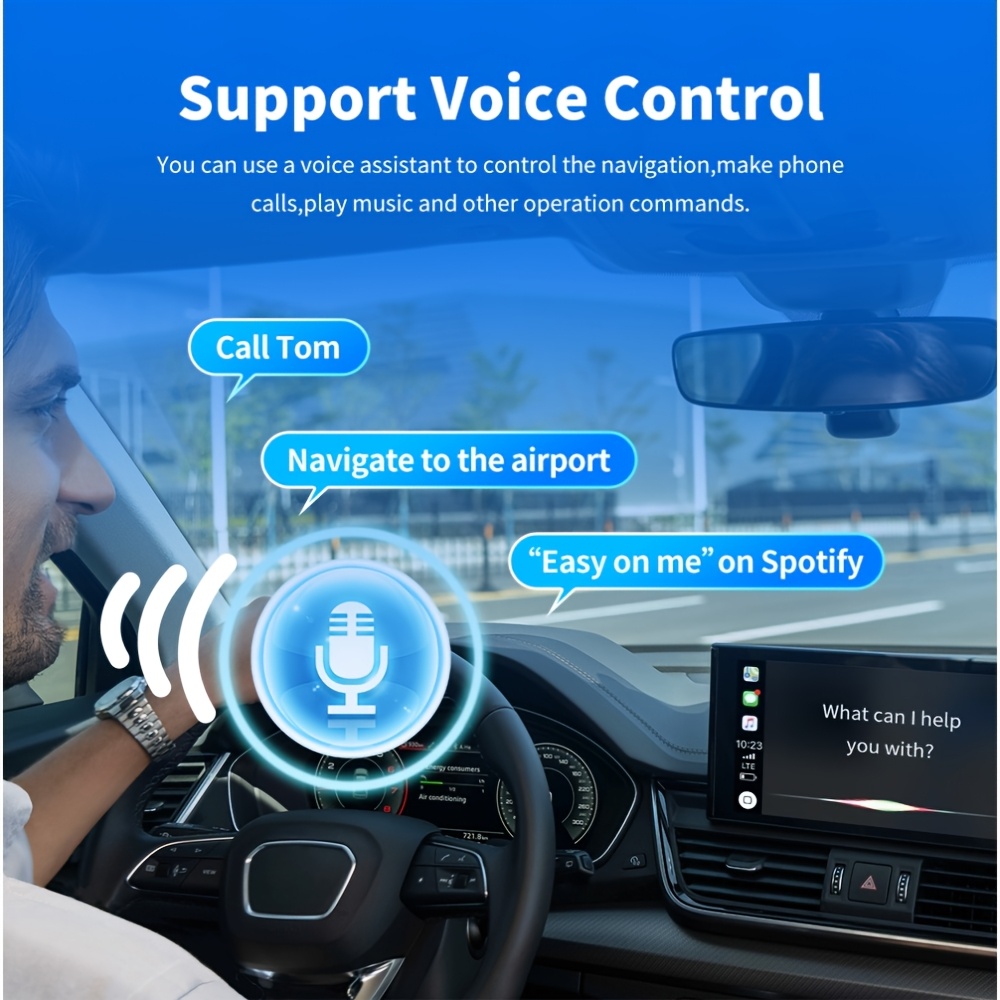
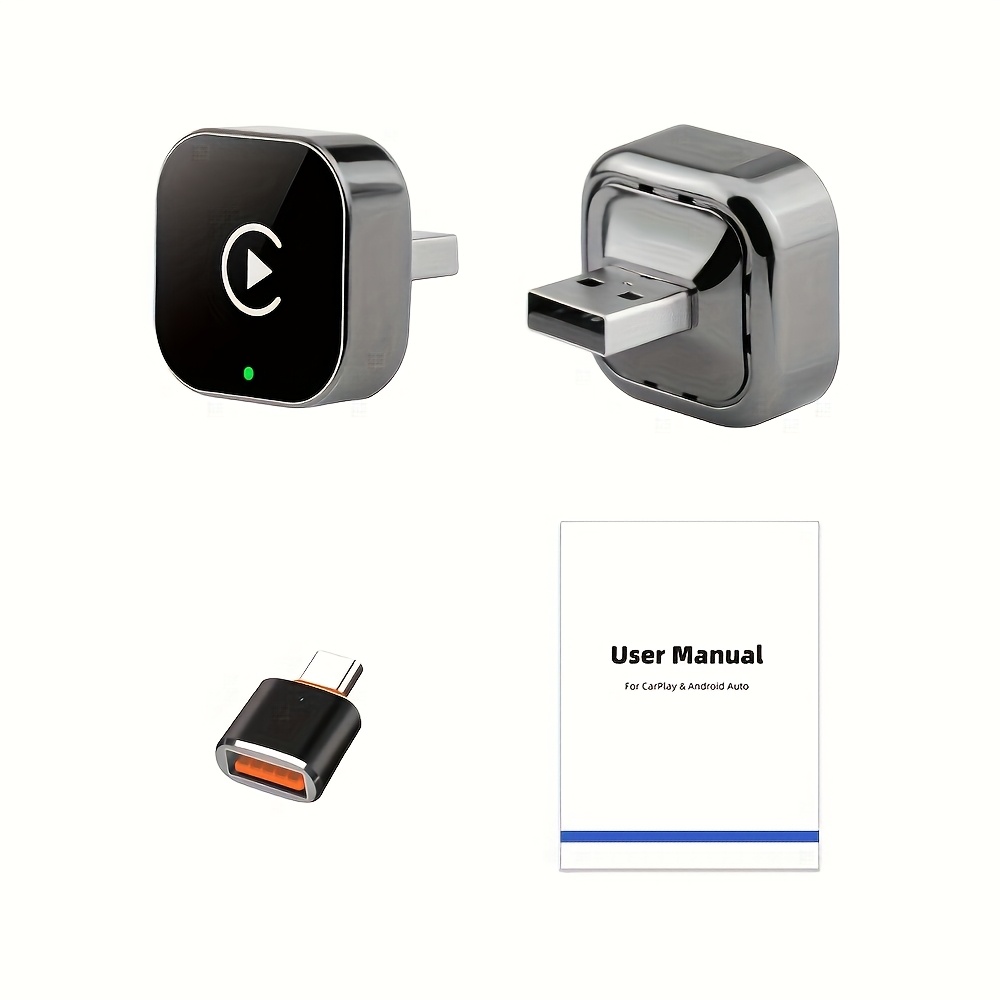
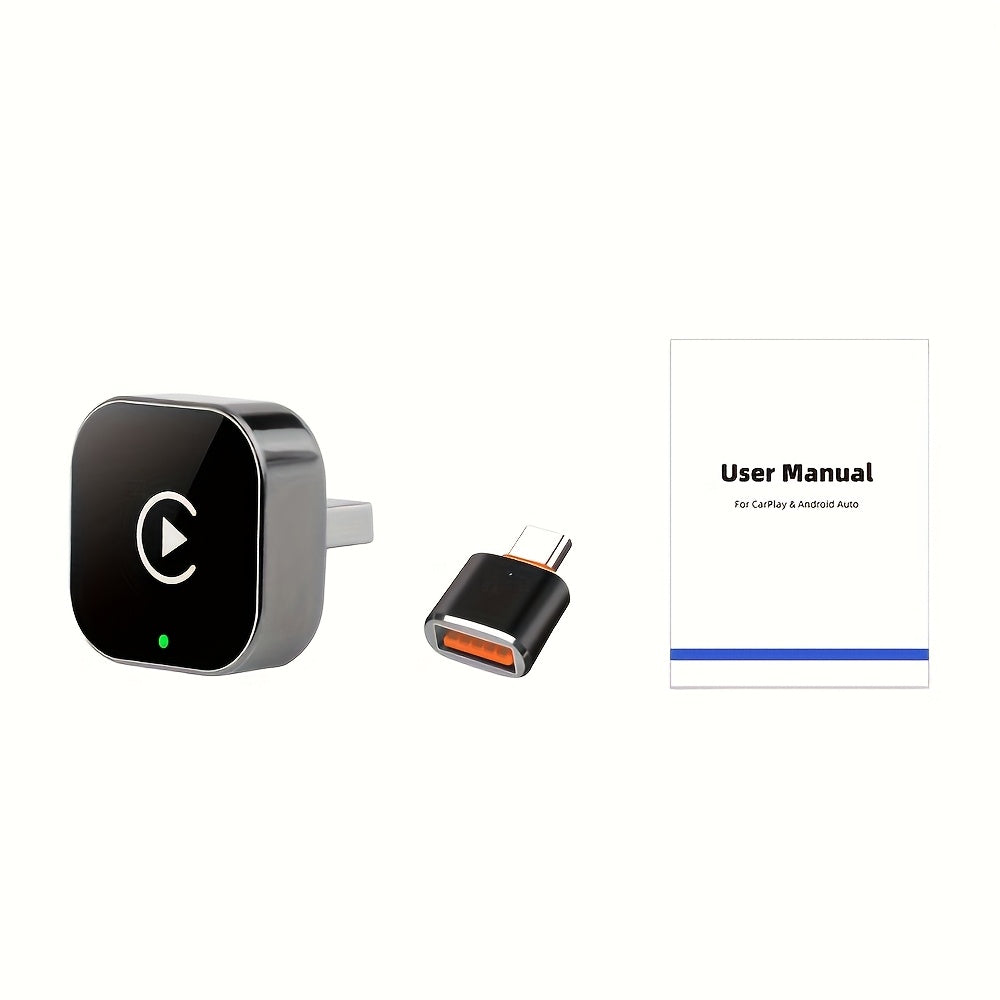
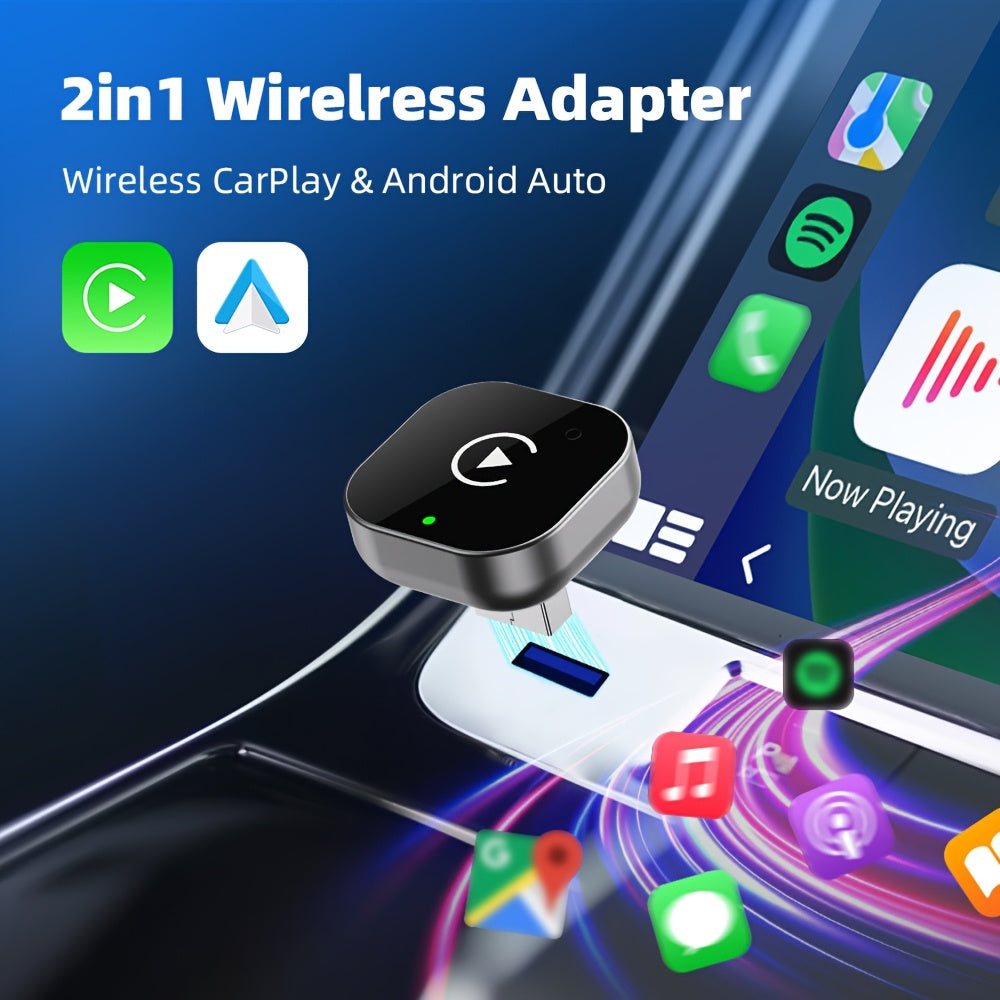
2-in-1 Wireless CarPlay and Android Auto Adapter - Automatic Plug and Play Connection, 0.5s Latency, Wireless and WiFi Support, Compact Design for iPhone and Android, with USB/USB-C Port, No Battery, Power Adapters
2-in-1 Wireless CarPlay and Android Auto Adapter - Automatic Plug and Play Connection, 0.5s Latency, Wireless and WiFi Support, Compact Design for iPhone and Android, with USB/USB-C Port, No Battery, Power Adapters
Couldn't load pickup availability
1000 in stock
Connector type: MiniUSB
Connector Polarity: Male To Female
Charging adapter feature: Lightweight design
Battery Properties: No Battery
Power Mode: USB
Operating voltage: ≤36V
Applicable models: Universally applicable
Main material: PVC
Item ID : LH4773629
Origin: Guangdong, China
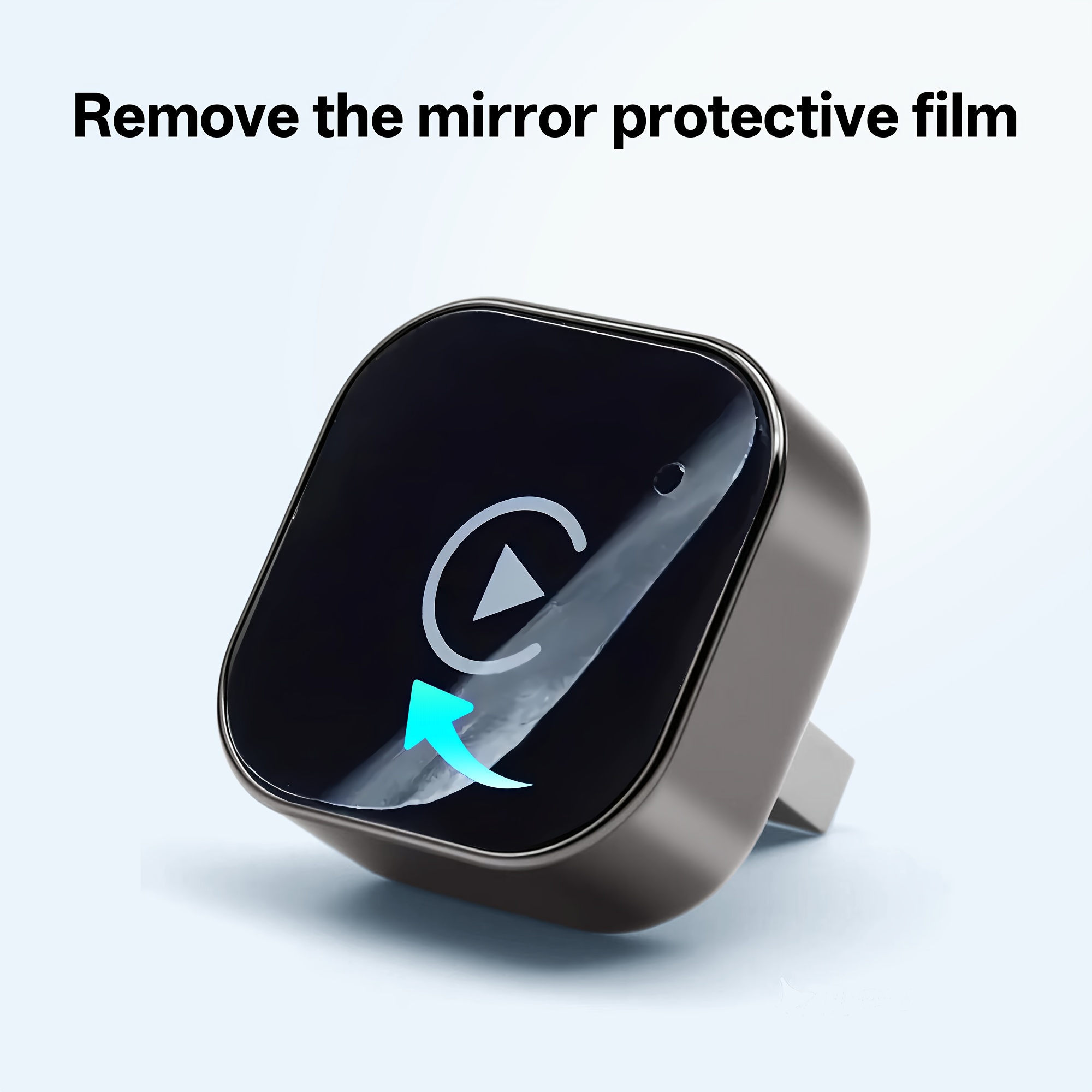
The product has a protective layer on the surface that can be peeled off.
If you encounter any problems that remain unresolved while using the product, you can find more complete solutions in the video. Please refer to the video tutorials available on the details page. Thank you for your attention.
If you need to enter a password, the standard one is: 88888888
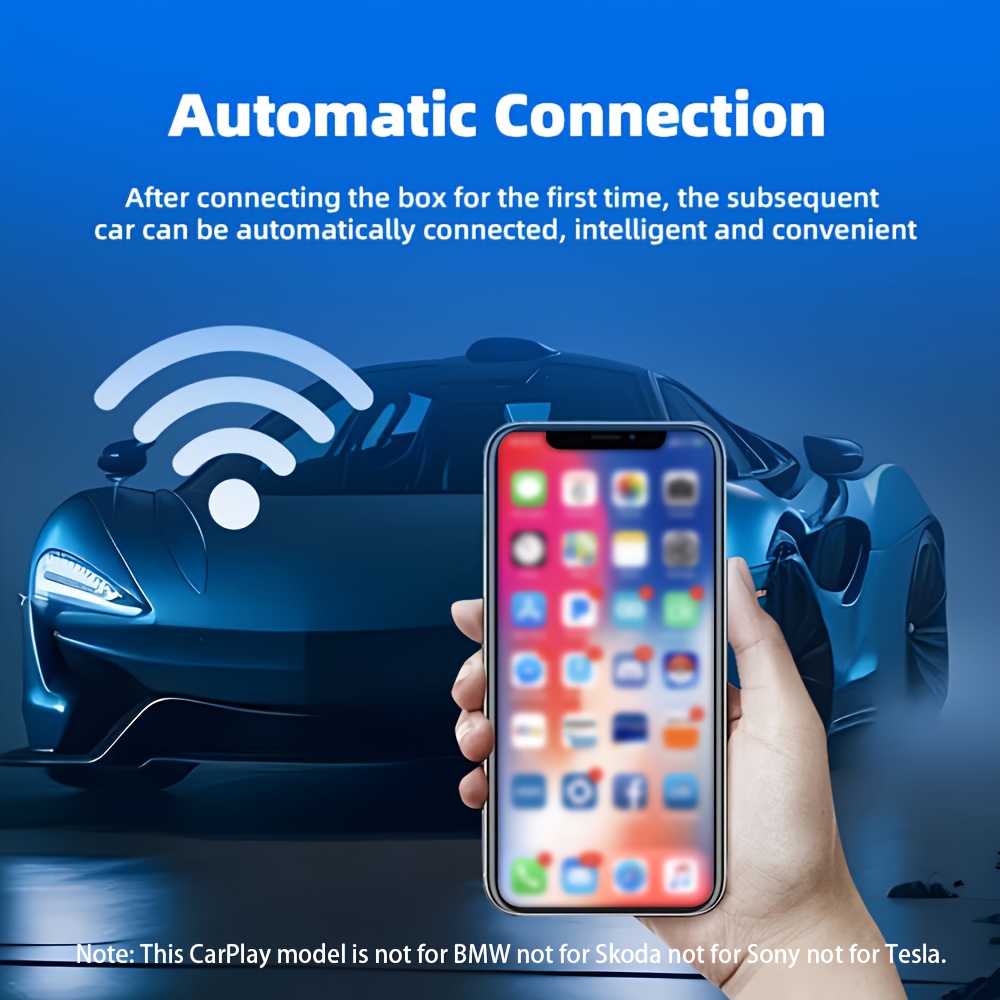
1. Connect the device to the car's USB or Type-C port, access the data on the device and wait for it to connect. 2. Activate WiFi on your smartphone. 3. Activate Bluetooth on your smartphone, pair it, allow synchronization and then select 'Use CarPlay'. 4. Once connected, please wait a few moments until the CarPlay interface appears.
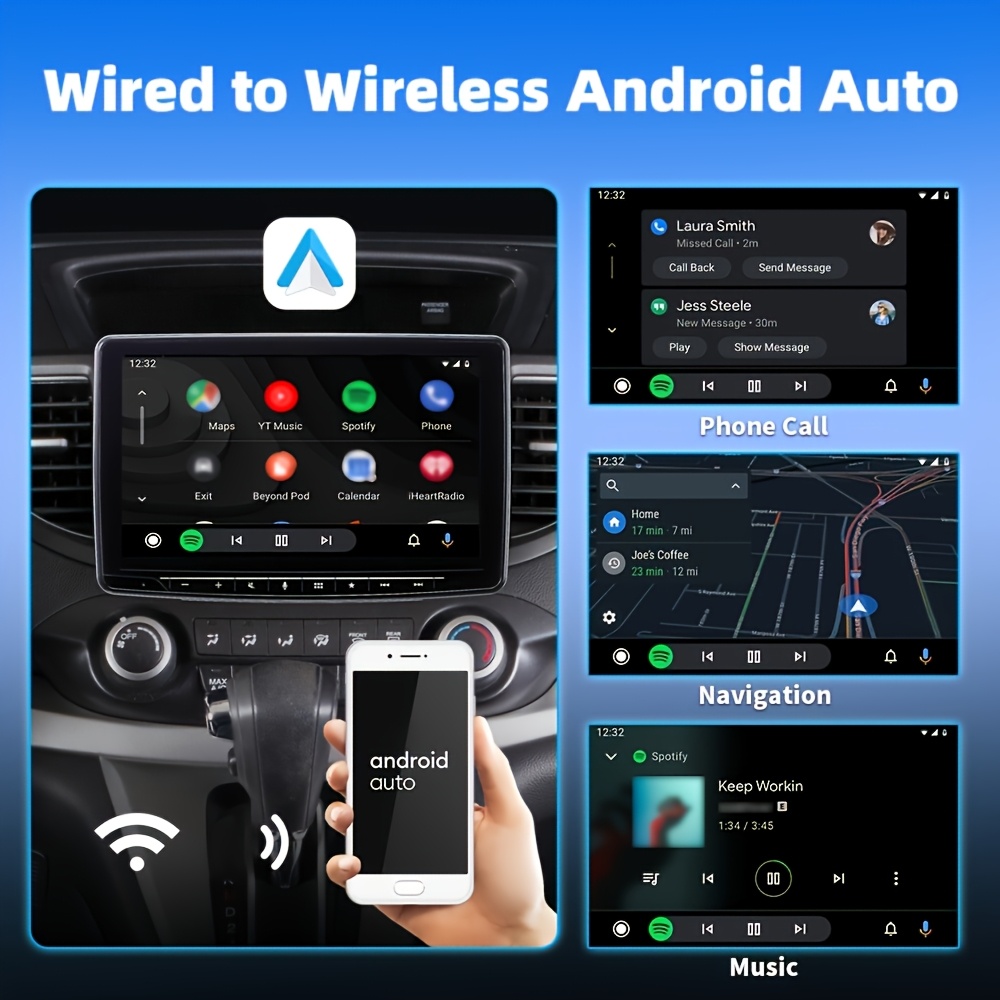
For Android mobile phone users with Android Auto Wireless: 1. Connect the device to the original USB or Type-C port of the car, read the data on the device and wait for it to connect. 2. Activate WiFi on your phone. 3. Activate Bluetooth on your phone, search for the device, and once connected, the device name will be changed to 'Your Car's MyLink'. 4. After connecting, please wait a few seconds for the Android Auto interface to appear.
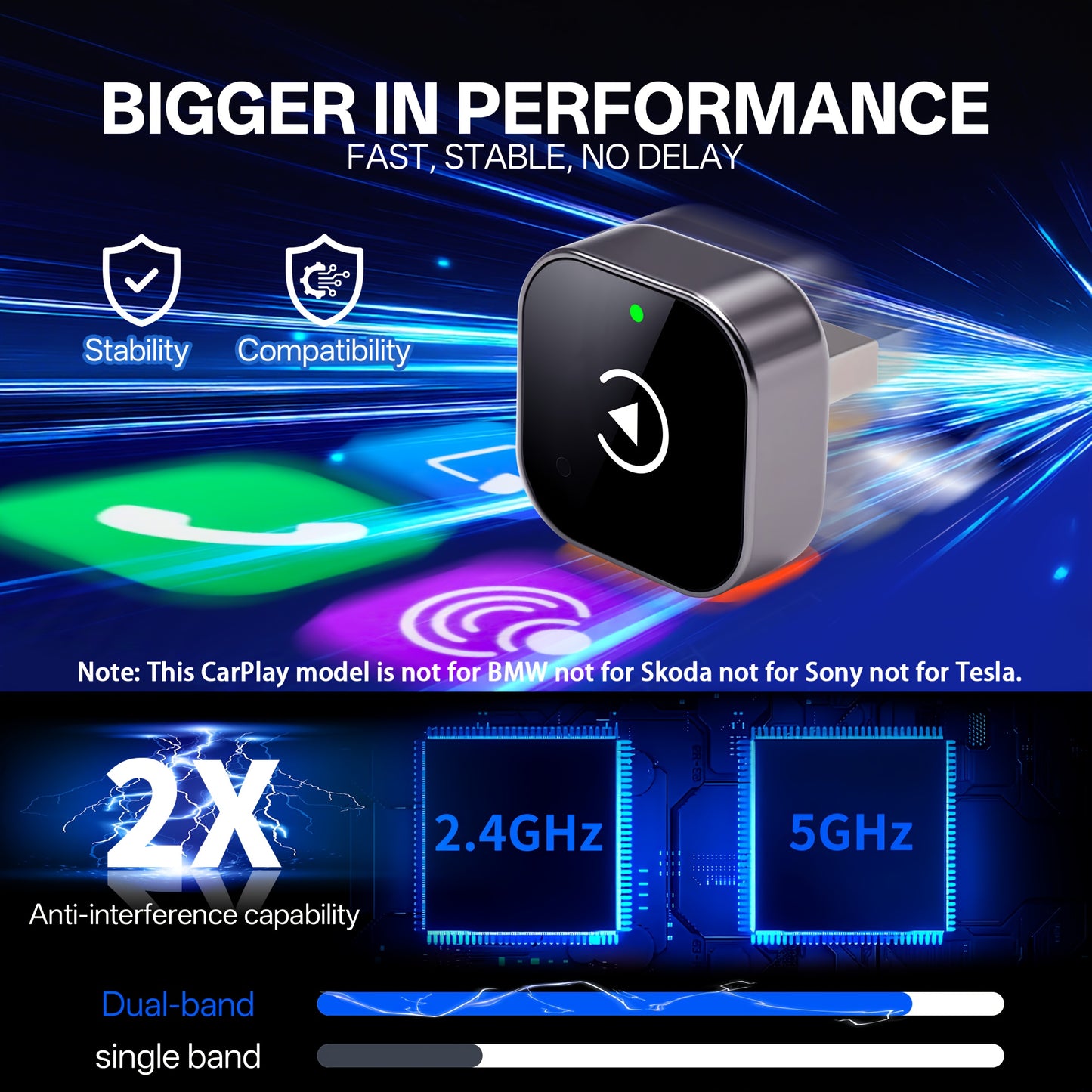
If your vehicle is compatible with wired CarPlay and wired Android Auto, you can change the wireless connection for both. You can enable the relevant options in the original vehicle settings (some models do not require adjustment). Please note the following: This CarPlay model is not compatible with BMW, Skoda, Sony or Tesla.
Compatibility Information Please check if your vehicle is compatible with wired CarPlay or Android Auto. Wireless CarPlay functionality is available for iPhone 6 and later models running iOS 10 or later. Requires an Android smartphone compatible with the latest Android Auto features and Android 11 or later to enable wireless Android Auto functionality.
To determine if your car is compatible with wired Apple CarPlay or Android Auto, follow these steps: First, connect your iPhone or Android device to your car's USB port and look for the connectivity logo display. Alternatively, you can check the compatibility list provided or contact your car manufacturer to confirm if this functionality is available in your vehicle.
I love your audience and wish you a wonderful life!